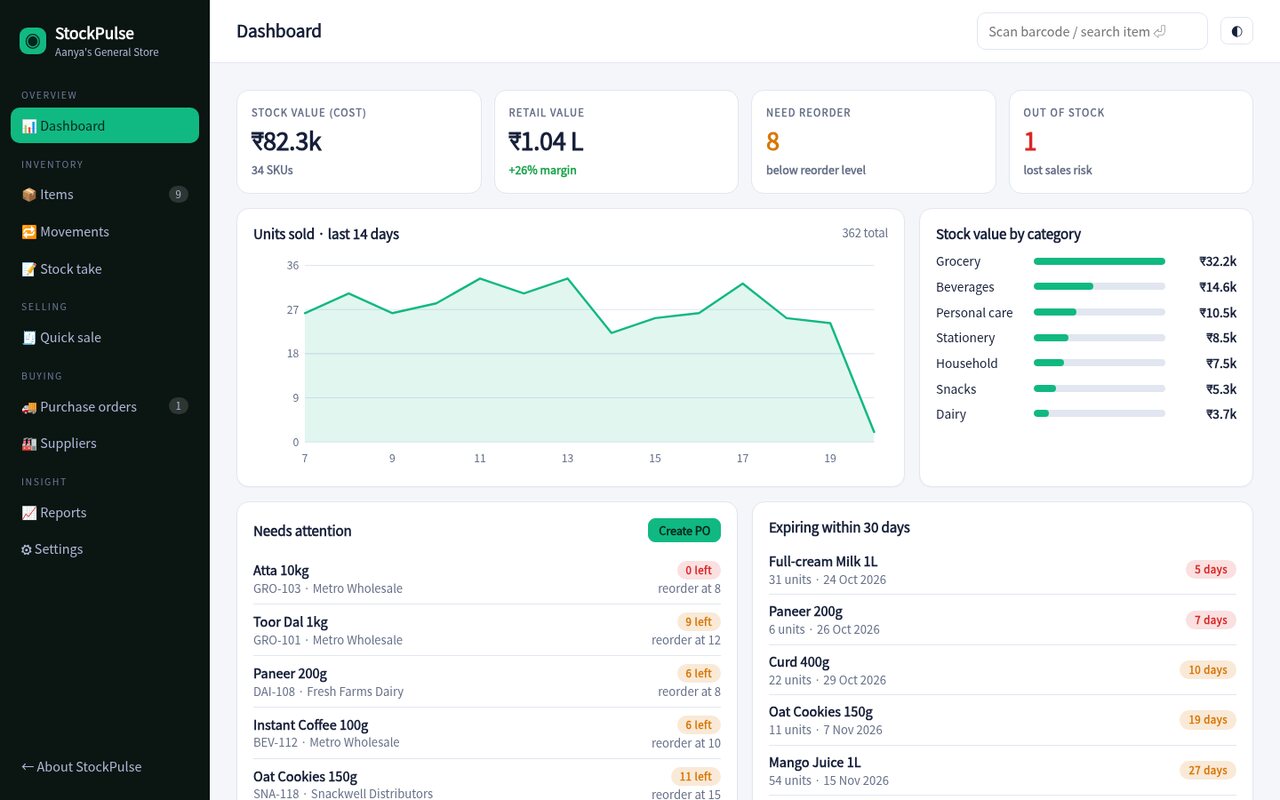
StockPulse tracks every item across your shop floor and back store, tells you what to reorder, and shows which products actually make you money.

Replace the notebook, the spreadsheet and the guesswork with one simple app that works on a counter PC or a phone.
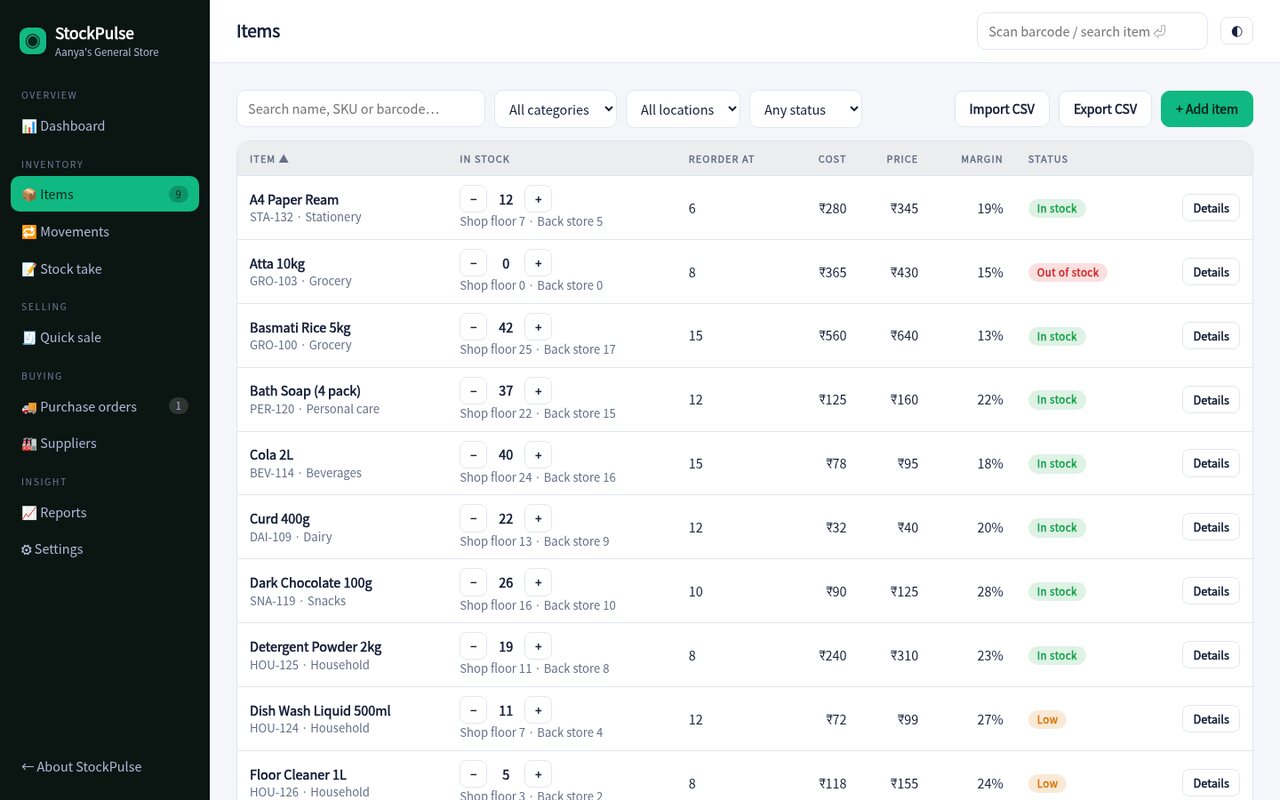
See quantities by location, quick +/โ adjustments and automatic status for low and out-of-stock items.
Find any item by barcode, SKU or name from anywhere in the app. Works with a USB barcode scanner.
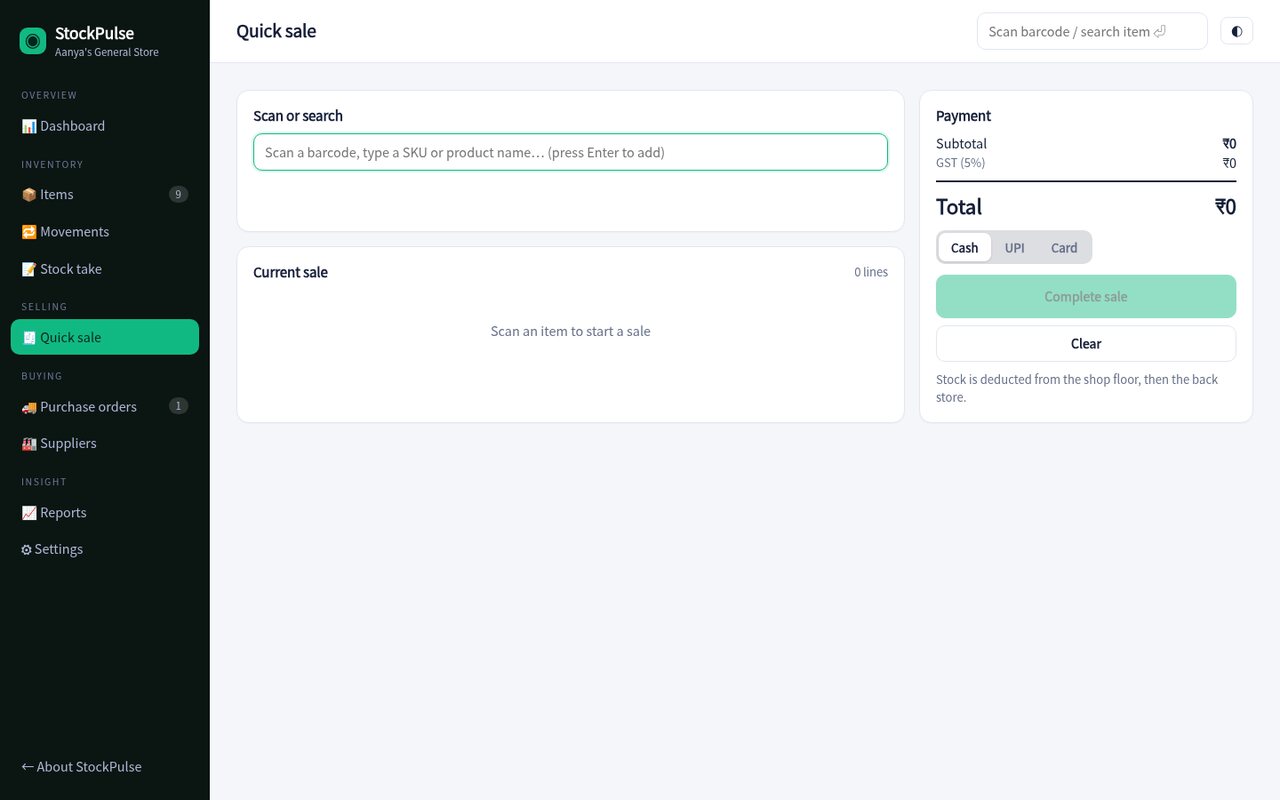
Ring up a customer in seconds. Stock is deducted from the shop floor first, then the back store.
Pre-filled orders for each supplier based on what's running low. Receive stock with one click.
Count a location, see the differences and apply corrections. Every change is logged in the ledger.
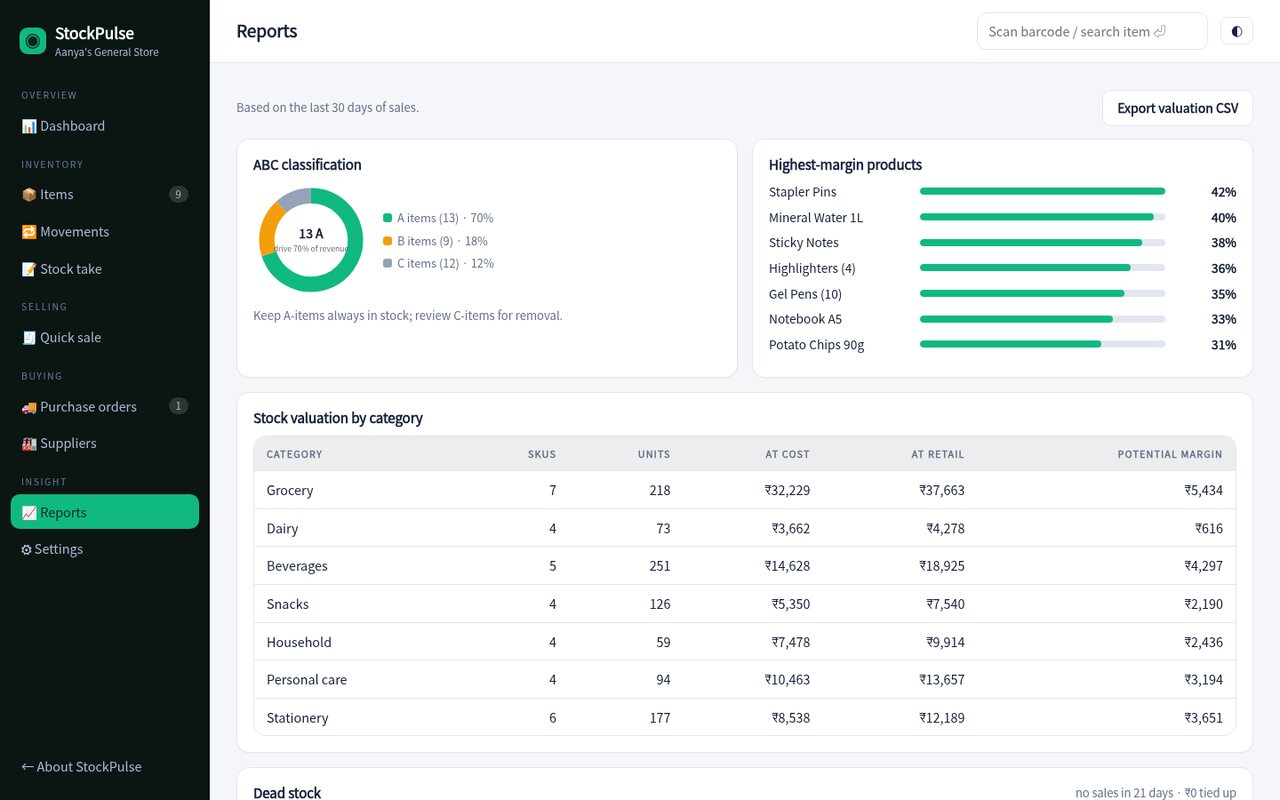
ABC analysis, margin by product, dead stock and valuation by category, exportable to CSV.
Search, filter and sort your whole catalogue. Adjust stock with a tap, transfer between the shop and the back store, and import or export CSV when you need to.

Scan, tap Enter, take payment. No accounts to set up, no training needed, and your stock is always accurate afterwards.

Dead-stock and ABC reports show what's tying up money and what drives your revenue, so every reorder is a decision, not a hunch.

Paste or upload a CSV, or add items one by one. Barcodes, costs and reorder levels are all optional to start.
Run a first stock take for each location and set the reorder level for your fast movers.
Ring up sales, watch the dashboard and send purchase orders when StockPulse flags low stock.
Sample pricing for this concept build.
Yes. Any USB or Bluetooth scanner that types into a field works, focus the search box, scan, and the item opens (or is added to the sale).
The whole app is responsive, so it works on a phone or tablet at the counter or in the back store.
In this demo, everything stays in your browser. A production version would sync to a secure cloud database with backups.
Yes, paste a CSV or upload a file from the Items page. Existing SKUs are updated and new ones are added.
The demo is fully working with sample data from a general store, click anything.
Open the live demo